Apple TV 4K (2021) review: New remote can't make up for high price
Streamers from Roku and Google cost much less and do basically the same thing.
Our Experts


Pros
- New Siri Remote is excellent
- Supports all major streaming apps
- Simple interface
Cons
- Too expensive
- No Find My feature for remote
- No apps or games that take advantage of improved specs
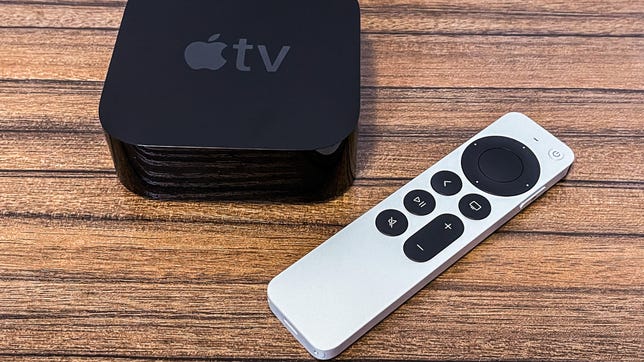
Apple's latest streaming device, the second generation of the Apple TV 4K, is finally here. The new version offers many of the same features, lives in an identical-looking black box and costs the same $179 (£169, AU$249). The most notable improvements are a faster processor and a revamped Siri remote. That remote is indeed a big upgrade compared to the controversial, trackpad-driven controller it replaces, but it's not enough to justify the high price. If your goal is to find a streamer that can deliver Netflix, Disney Plus, HBO Max, Hulu and the rest to your TV, you're better off saving the money and getting something like the $40 Roku Express 4K Plus or $50 Chromecast with Google TV.
Yes, the remote is really good now
The word "Finally!" sums up the reaction of many longtime Apple TV fans when they first heard about the new remote. The black glass remote bundled with the older Apple TV had a sleek-looking design, but a slippery, imprecise trackpad was its downfall. I constantly found myself struggling with basic navigation tasks using the older remote. The trackpad's sensitivity caused me to overshoot menu items like movies, apps , TV shows or text, making even the simplest scrolls and selections a chore to control.
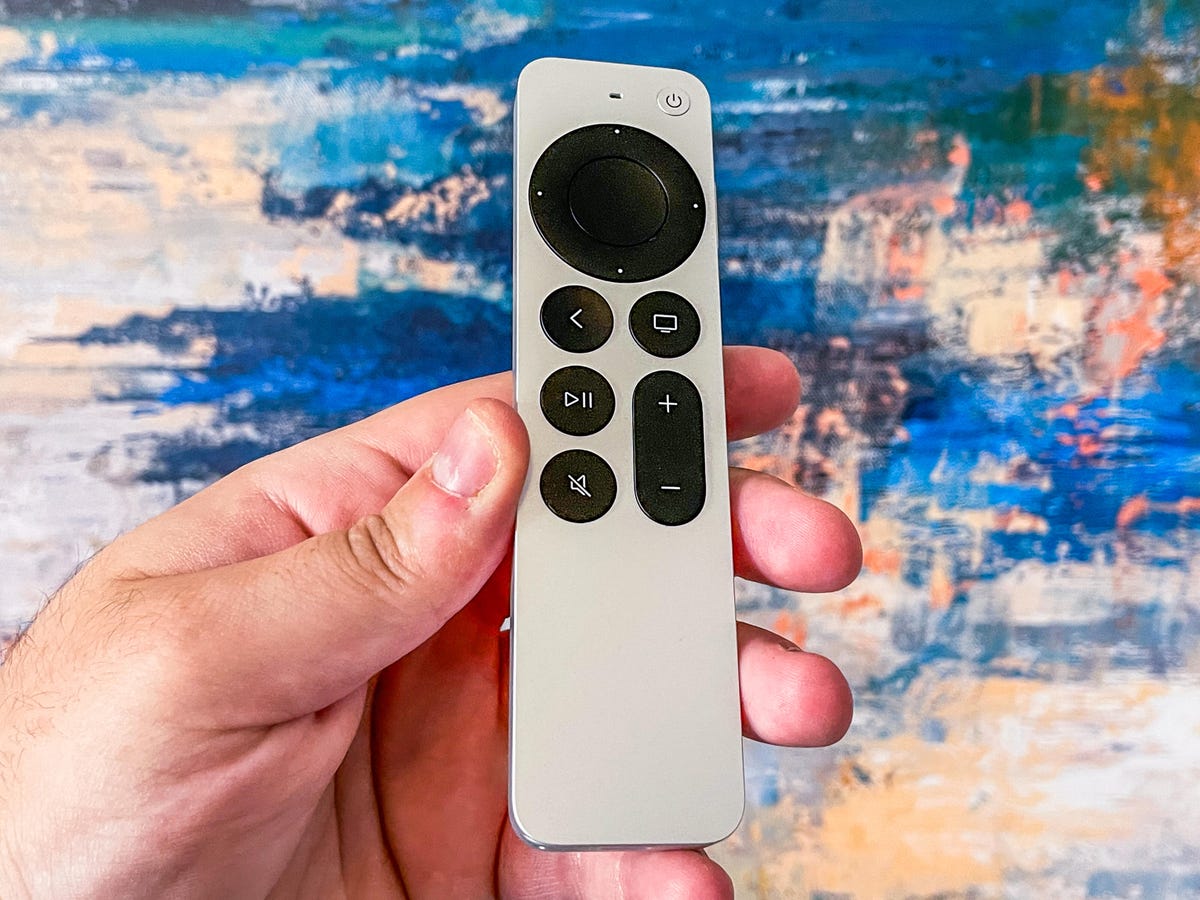
The new Siri Remote solves many of those woes. Bundled with new Apple TV purchases, or available as a separate $59 (£55, AU$79) upgrade that works with the older Apple TV, the new remote replaces that trackpad with something Apple calls a "clickpad." It's basically a circular controller that combines a touchpad with directional buttons you can actually click.
I found myself greatly appreciating the return of the button-based directional controls. I also like that Apple didn't completely remove touchpad functionality, which is useful for quickly scrolling through a list or playing certain Apple Arcade games.
If you hate the touchpad on the clickpad, you'll be pleased to know that Apple does allow you to disable the feature in the Remote and Devices section of the Settings menu. I still have a hit-or-miss relationship with the feature with moments of overshooting my intended target so I may soon turn it off, but I appreciate that there is an option either way.
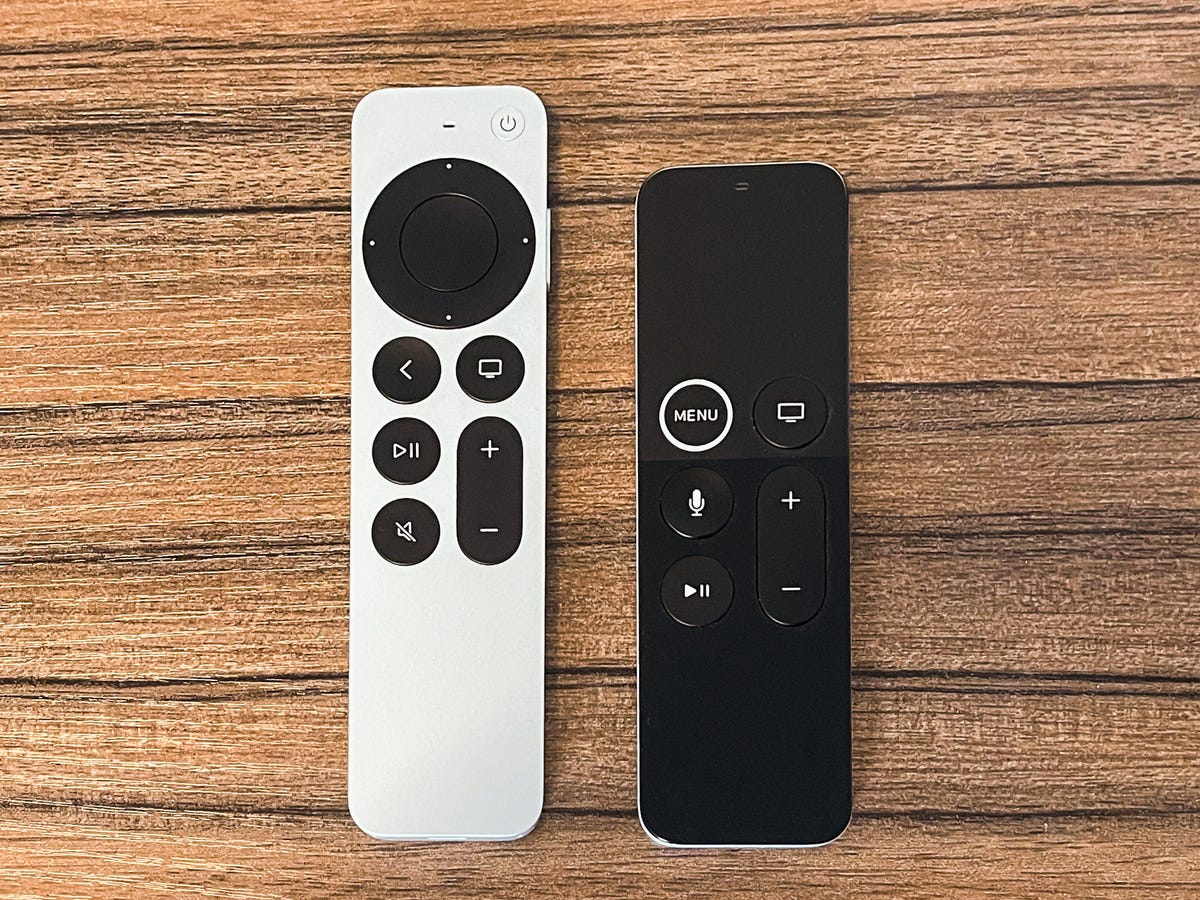
The new Siri Remote, left, compared to the older Apple TV remote.
In addition to the clickpad, the new remote also features three new (and long overdue) buttons for back, mute and controlling your TV's power. The Siri button, previously on the front, has been relegated to the right-hand side, similar to its location on iPhones. Unlike Roku 's $30 Voice Remote Pro upgrade, the microphone inside the Siri Remote isn't "always listening." Instead, you'll still need to press and hold to summon Apple's virtual assistant.
The new remote continues to be charged through Apple's Lightning charger and a cable is included in the Apple TV 4K box or if you buy a remote separately. The Siri Remote is a bit longer and thicker than the older Apple TV remote, but it felt much more comfortable to hold. Hopefully, the larger size and silver coloring will make it harder to lose inside the couch cushions.
But remotes get lost and, unlike Roku, Apple doesn't include any kind of remote finder with its clicker. That's a big missed opportunity, especially with Apple building out the Find My app with AirTags. Why not integrate that technology, with its U1 chip, into this remote? Doing so wouldn't only be a nice selling point to lure people over from other players, but really justify the $59 from existing Apple TV owners.
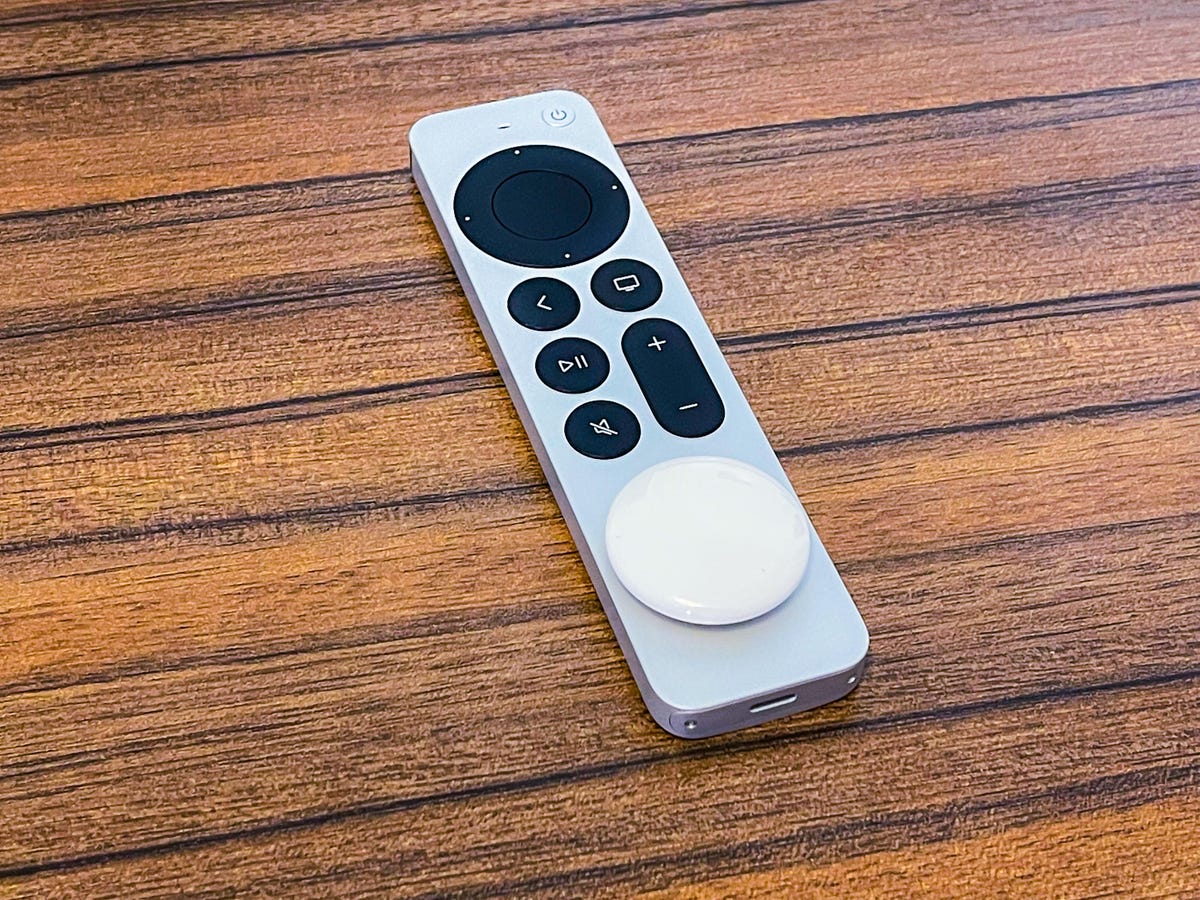
If only Apple baked the AirTag into the actual remote.
For now, I'm thinking of taping an AirTag to it, with the hope that someone comes out with a decent case that lets me combine the AirTag with the new remote. A few people have taken to 3D printing AirTag cases for the older Apple TV controller.
Same box and basic features
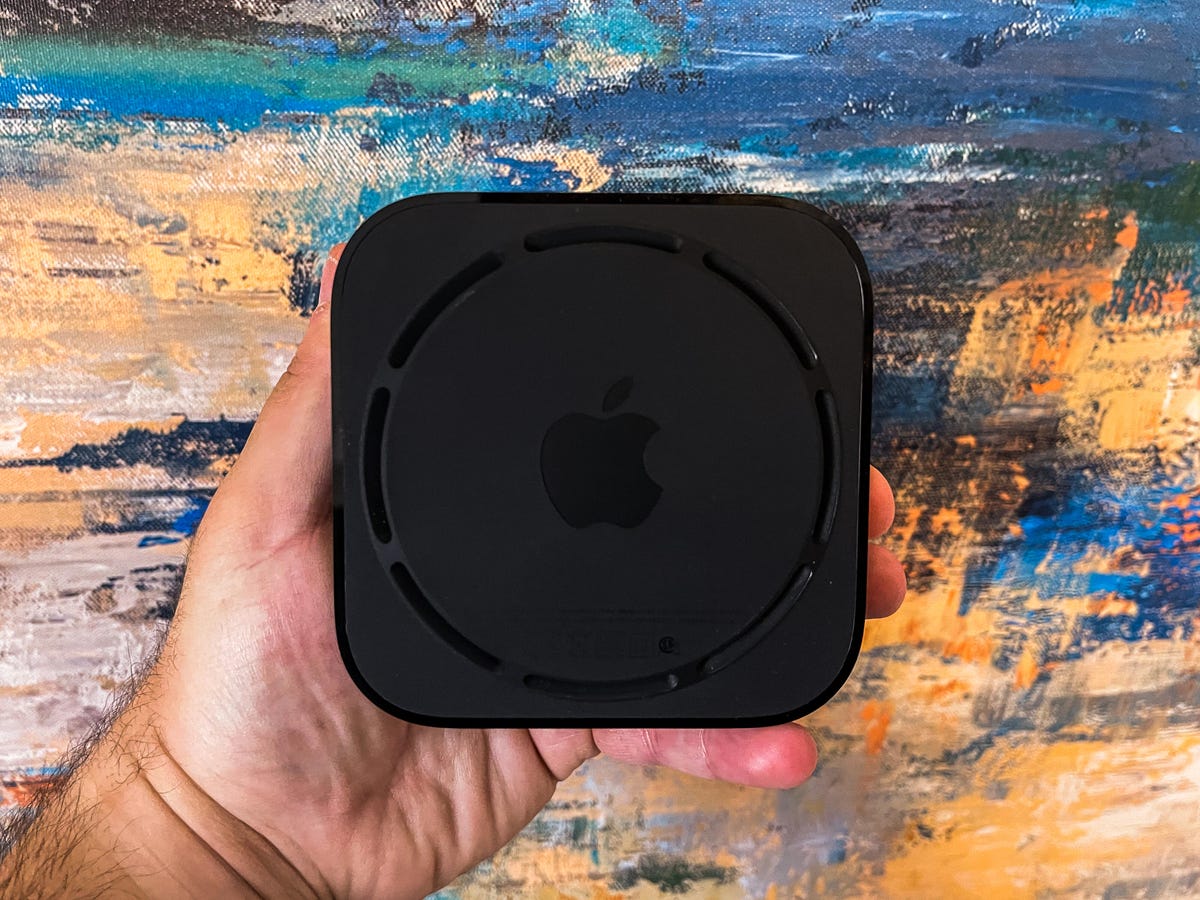
Whereas the remote got an overhaul, the Apple TV 4K's actual box looks virtually identical to the square black puck of its predecessor. There are no new ports along its glossy sides and the rear of the device still houses ports for power, HDMI-out and Ethernet.
The Apple TV runs on the latest version of the TVOS software, with the same tile-heavy interface that has been featured on Apple TVs for years. It will work with Apple services like Arcade, Apple TV Plus, Apple Music and Fitness Plus and the software also supports all the major streaming services including Netflix, Disney Plus, HBO Max, Hulu, Amazon Prime Video, YouTube TV and Sling TV.
Setting up the device was simple. My iPhone quickly acknowledged it with a pop-up appearing to sync my iCloud account and Wi-Fi settings to the Apple TV. The device even pulled in apps from my old Apple TV, but I still needed to manually log back into apps like Netflix and Disney Plus.
Under the hood, the Apple TV 4K has received a sizable boost in the form of an upgrade to the company's A12 Bionic processor. The older box, which was first introduced in 2017, ran on what's now an aging A10X chip.
Apps opened quickly and at times seemed to be a bit faster compared to the older Apple TV 4K. But it is not like they struggled on the prior box.
As mentioned above, with both boxes running TVOS 14 there isn't too much discrepancy between them. They both run the same apps, can playback content in Dolby Vision and Atmos and can take advantage of Apple's clever color calibration tool for optimizing non-Dolby Vision sets (my colleague, CNET's TV expert David Katzmaier, covered that feature in detail here).
Apple says the new box will be able to support high-frame-rate HDR video, but I haven't found many apps that take advantage of the feature, at least not yet.
The real test will be in how the device handles more intensive tasks like gaming which for now still leaves plenty to be desired.
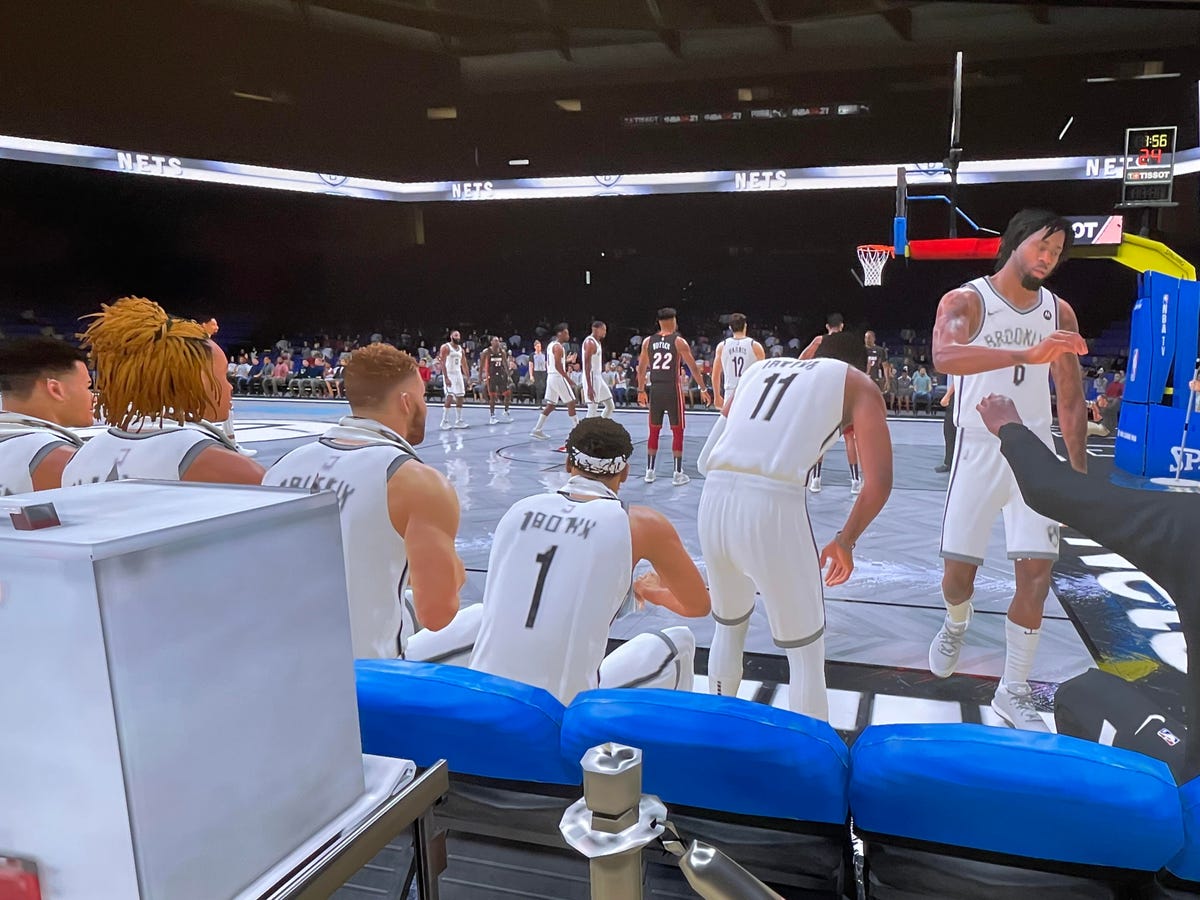
The graphics in NBA 2K21 Apple Arcade Edition on the Apple TV 4K won't rival what you get on modern Xboxes or PlayStations.
Faster processor, but it doesn't boost Arcade (yet)
The biggest boost I was hoping for in the new Apple TV 4K was in gaming. Apple Arcade recently added several big titles that seem perfect for the big screen such as a special edition of NBA 2K21. In practice? A lot of work is still needed.
As someone who has played a fair amount of NBA 2K on consoles , playing the Arcade Edition on the Apple TV 4K felt like I went back to the Xbox 360 days. There were lags in gameplay and the graphics were just decent (at best). There was no ability to run plays or complete direct passes to a particular player, while the presentation lacked all elements of a broadcasting team.
I wasn't expecting graphics or performance to match next-gen consoles like the PlayStation 5 or Xbox Series S and Series X, but I was expecting more than this. When Apple added a version of the A12 to the iPad Pro in 2018 it touted a comparison to the Xbox One S, and that type of performance would go a long way in justifying the $179 starting price this box commands for its 32GB version.
Other Arcade titles for more casual fans appeared to be in need of an update for the new Siri Remote. The older Apple TV remote -- with its larger trackpad, accelerometer and gyroscope -- was much easier to use when playing Super Impossible Road compared to the newer, smaller clickpad on the Siri Remote. How quickly developers update apps for this new remote is an open question.
With rumors of Apple designing its own controller, it's hard to say what exactly the company's plans are for gaming. Perhaps it is something that will be improved on in future Arcade and TVOS releases. Right now, however, I'm a bit let down.
Who is the Apple TV 4K for, anyway?
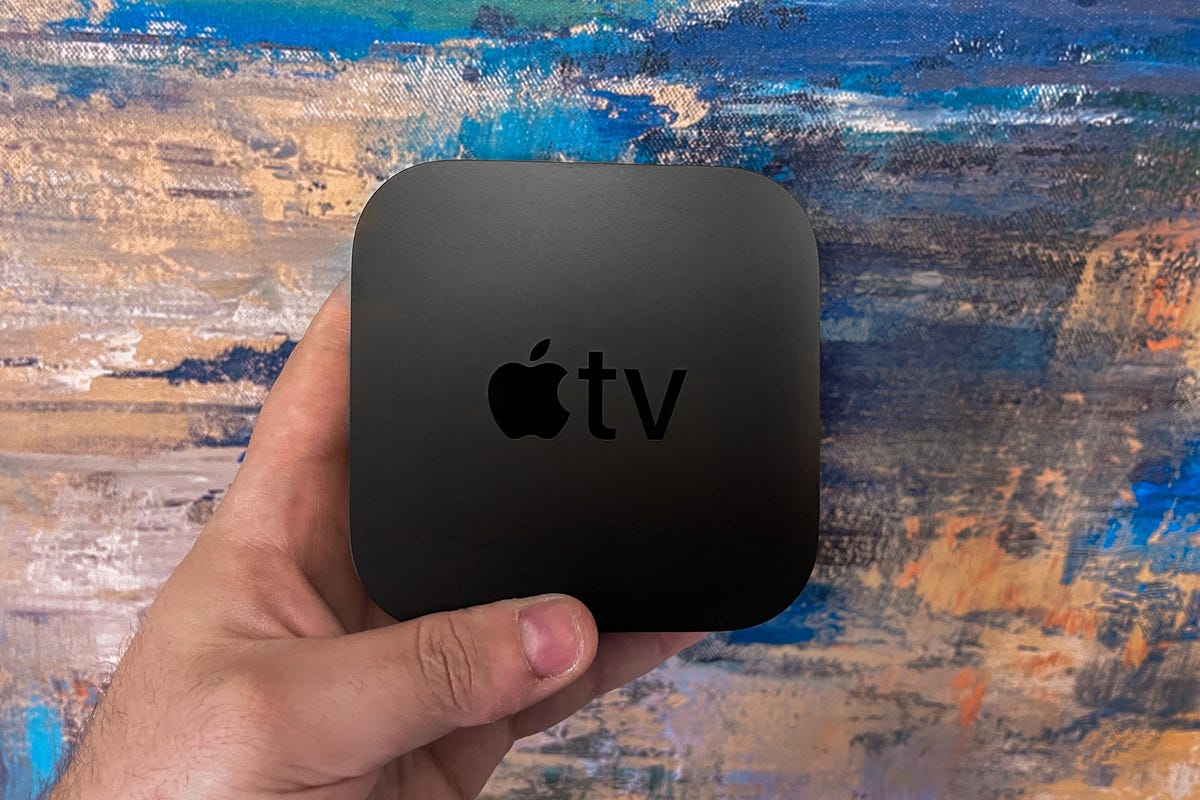
That answer isn't as clear as you'd think.
Apple fans who need the latest and greatest devices the company makes? Sure, but you were going to buy this anyway. Current Apple TV owners? The $59 remote upgrade seems like the better move today if you have a first-generation Apple TV 4K. If you have an Apple TV HD and like Apple's interface, the jump to the new Apple TV 4K makes sense and you'll appreciate not only the better remote but the faster app launching.
Everyone else? If your main priority is getting access to streaming apps on a TV, I can't recommend dropping $179 -- or $199 (£189, AU$279) for the 64GB version -- for an Apple TV 4K. Roku's $40 Express 4K Plus and Google's $50 Chromecast with Google are just as capable in terms of streaming, and if your priority is voice, I'd take Google Assistant over Apple's Siri.
And, of course, Roku now has AirPlay 2 (and it works great) as do numerous smart TVs, making actual Apple TV hardware even less necessary. Google's device, meanwhile, has Dolby Vision if that format is a priority for you.
If Apple's software starts taking advantage of the beefier specs this new Apple TV 4K offers, maybe it can warrant the price tag sometime down the road. Apple has a great track record of improving its devices over time, after all. We'll see.
More streaming advice
- 10 Ways to Save Money on Streaming
- How to Cut the Cable TV Cord in 2023
- See More at Streaming TV Insider
Pros
- New Siri Remote is excellent
- Supports all major streaming apps
- Simple interface
Cons
- Too expensive
- No Find My feature for remote
- No apps or games that take advantage of improved specs