 Why You Can Trust CNET
 Your TV Buying Guide: Spring 2024 Edition
This year's new TVs were just revealed. Check out the new lineup before they hit stores, and learn how you can get discounted 2023 models soon.


- Although still awaiting his Oscar for Best Picture Reviewer, David does hold certifications from the Imaging Science Foundation and the National Institutes of Standards and Technology on display calibration and evaluation.


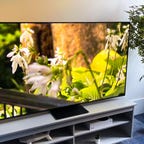
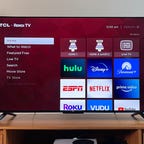
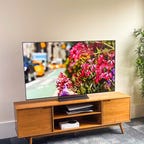
Few things bring as much comfort in the colder months as sitting in front of a TV and watching your favorite shows and movies. So whether you're looking to turn your space into a home theater or a gaming haven, a new TV will make a great addition.
So which TV should you get? The TV replacement cycle is cyclical, with new TVs announced in January, mostly at CES 2024, and they'll hit stores this spring and summer. But with the big game just around the corner, now is a great time to find deals on 2023 models.
Think of this guide as an oasis in the vast desert of information about TVs. We strive to provide you with easy-to-understand information to help you select a new television. It won't answer every question, and when you read it, it won't tell you "the perfect TV for you" at the end. But we hope it can provide you with the basic tools you need to feel confident when you buy that new set.
Read more: Best TV for 2024
Which TV should I buy right now?
If you just want to skip all the details and buy a great television, we have a few go-to choices among the TVs available right now.
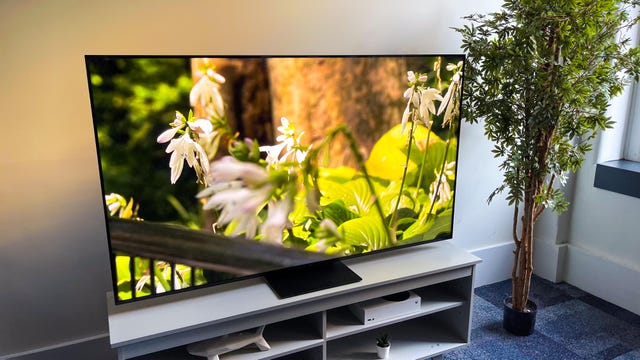
TCL has topped our list of the best TVs for the last few years but the QM8 is something different, and even better than before. In my comparison tests it stood out with superior brightness and impact while maintaining excellent contrast -- a combination no other TV could match at this price. The key is mini-LED tech and well-implemented full-array local dimming. It also has a sleek design with a center-mount stand. The operating system is Google TV, which I don't like as much as Roku TV, but it's still a solid smart TV. This model replaces the TCL 6-Series Roku TV from last year.
The main downside of the TCL QM8 is that it's only available in large sizes (65 inches and up). If you're looking for a 55-inch TV, I recommend the Hisense U8K instead. Note that prices shown here are for the 65-inch size in the QM8 series.
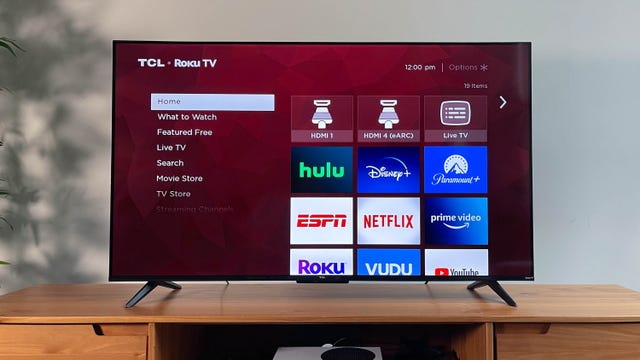
The picture quality of the TCL 4-Series Roku TV was a step behind the Vizio V-Series in our budget TV test, but the differences between the two are slight enough that you'd really have to have them set up side by side to notice anything at all. The 4-Series lacks Dolby Vision, Bluetooth connectivity and AMD FreeSync with a variable refresh rate, all of which the Vizio offers.
The 4-Series' advantage over the Vizio is that it comes with the excellent Roku Smart TV system built in. That makes it a great choice for those looking for a one-stop smart TV solution, without adding an external streaming device.
Note that TCL has been selling the 4-Series for the last few years with little to no change in image quality or features in our tests, although it has recently added some larger screen sizes, including an 85-inch option.
The prices shown below are for the 55-inch size.
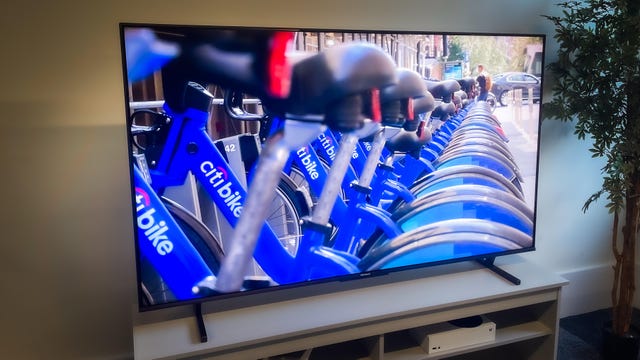
If you're looking for the best TV for the money and the TCL QM8 is just too big, the Hisense U8K should be your go-to. I compared the two TVs side-by-side, and while I liked the QM8 just a bit better, the U8K has one medium-size advantage: a 55-inch screen option. If 65 is too large for your room, your budget or your tastes, the choice between the two is simple: Get the 55-inch Hisense UK8.
Both offer excellent image quality and affordable prices thanks to mini-LED backlights and full-array local dimming, as well as similar gaming features and the Google TV operating system. And both cost hundreds less than you'd have to pay to get similar image quality from a better-known brand.
Note that while I tested the 65-inch size in the U8K series, the prices shown here are for the 55-inch size.
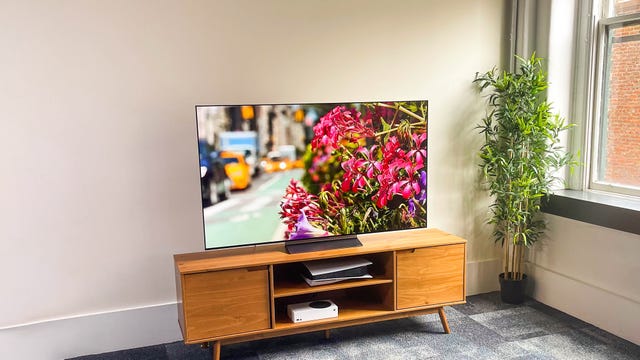
The C3 represents better picture quality than any non-OLED TV on this list at a price that's definitely higher, but still not stratospheric. Its perfect black levels, unbeatable contrast and superb off-angle viewing kept it a notch above the mini-LED models in my comparison tests, and while its overall brightness isn't quite as impressive, it's still an incredible performer in all kinds of room lighting. The C3 is also one of the lightest TVs we've ever reviewed thanks to its carbon-fiber construction; the 65-inch version weighs just 37 pounds with its stand.
The prices shown here are for the 65-inch size of the LG C3 series.
When is the best time to buy a TV?
The best time to buy a TV is on Black Friday and Cyber Monday. That's because TV prices go down as the year progresses until they typically hit bottom on the biggest shopping days of the year. Those Black Friday and Cyber Monday sales are best known for absurd, doorbuster pricing on no-name televisions, but the fact is that just about every TV gets a holiday price cut.
Right now, we're at the high point of the buying cycle. New 2024 TVs were announced in January and will soon be on shelves at their full retail prices. This trend will continue throughout the rest of the summer, as manufacturers release their 2024 offerings.
That said, there are still some 2023 models available at a discount. Those will start to disappear as the year progresses and more 2024 TVs take up space on the shelves. However, you might be able to catch some decent back-to-school sales as retailers clear out all of their past inventory on their 2023 models. Generally, we tell people to wait until the fall to get a new TV, as that's when you'll save the most money. But if you need a new one right now and don't want to pay for all the newest tech, grab a 2023 model while you still can.
Wondering exactly how to figure out the TV for you? Here's some advice.
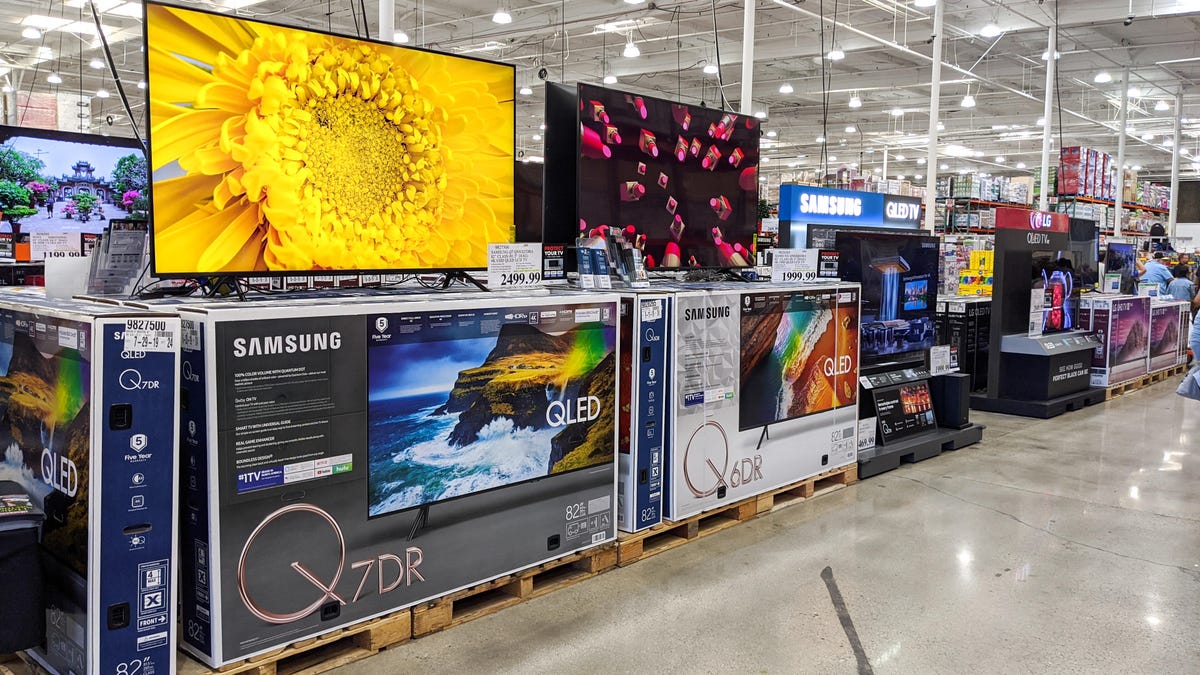
What TV specifications matter most?
As a rule of thumb, the main purpose of a TV's specification sheet is to bombard you with confusing terms and numbers in an attempt to get you to "step up" and buy the more expensive version. Just about the only worthwhile numbers are found under Inputs and Weight/Dimensions.
Rather than rely on the spec sheet to provide hints on which TV will perform better than another, our advice is to simply ignore it. The sheet can help when trying to differentiate a TV based on features, such as whether it has HDR, smart TV capability or a fancy remote, but it's close to useless when used as a tool for divining picture quality.
How big a TV should I buy?
We recommend a size of at least 43 inches for a bedroom TV and at least 55 inches for a living room or main TV -- and 65 inches or larger is best.
In fact, more than any other "feature," stepping up in TV screen size is the best use of your money. One of the most common post-TV-purchase complaints we've heard is from people who didn't go big enough. And we almost never hear people complain that their TV is too large.
If you want to fit an existing entertainment center, make sure you have at least an inch on the sides and top of the TV cavity to allow for ventilation. Or just junk that old furniture and get a bigger TV.
Read more: Why You Can (Probably) Get a Bigger TV Than You Think
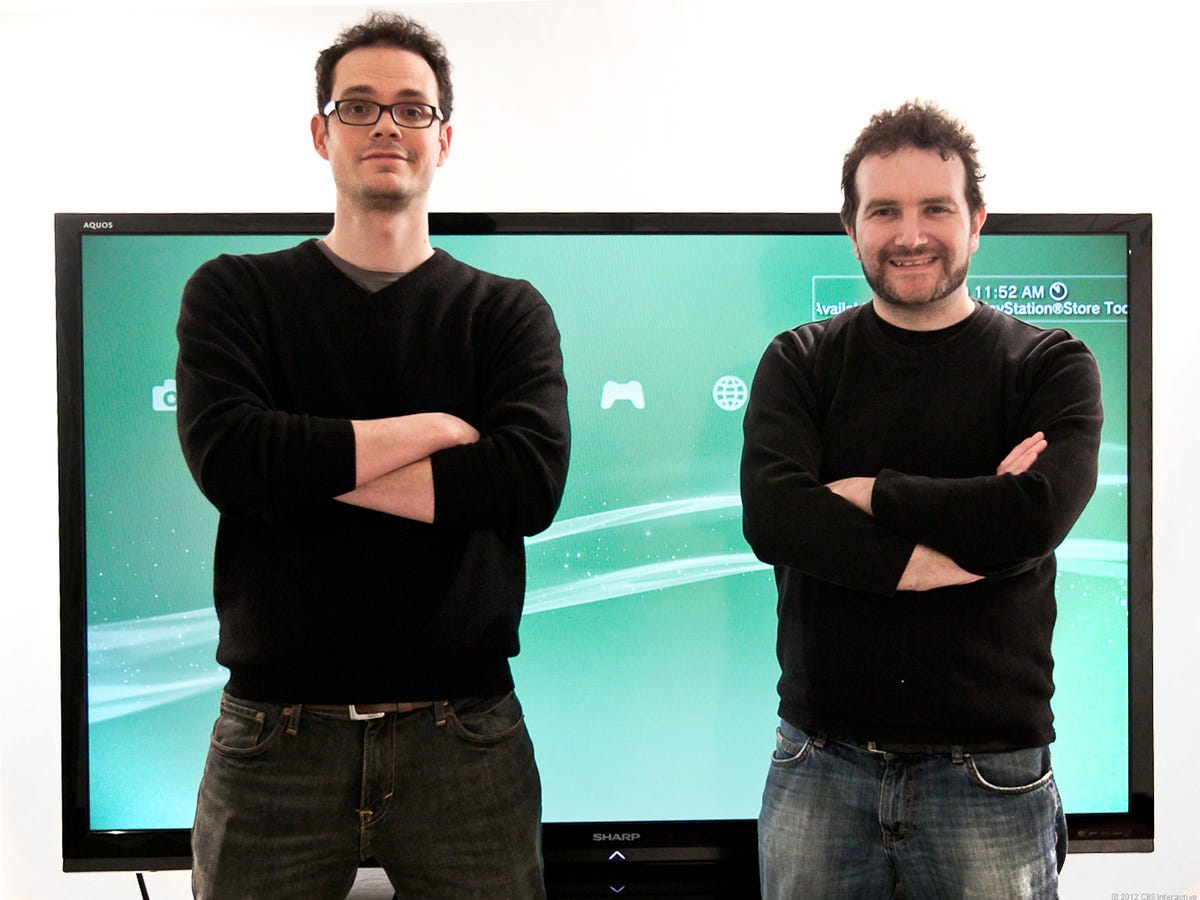
Trust us, bigger is better.
Do I need 4K and HDR?
TVs with 4K resolution, also known as Ultra High Definition TVs, have four times as many pixels as standard 1080p resolution TVs. That sounds like a big improvement, but in reality it's very difficult to tell the difference in sharpness between a 4K TV and a good old-fashioned HDTV.
On the other hand, 4K TVs are easy for manufacturers to produce, so they're basically standard now. Just about every TV 50 inches or larger has 4K resolution, and many smaller sets are 4K, too. Aside from the smallest sizes, 1080p and lower-resolution models are quickly becoming resigned to the bargain bin.
Read more: Best 75-Inch TVs
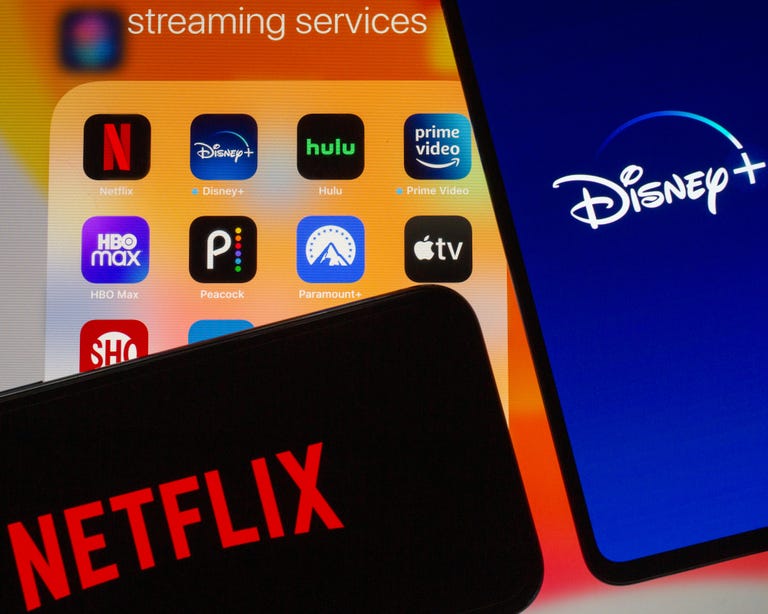
Many streaming services offer 4K HDR TV shows and movies.
Most of the 4K TVs have HDR compatibility as well. HDR delivers better contrast and color, so unlike 4K, chances are you'll actually be able to see an improvement compared with normal HDTV. How big of an improvement (if any) depends on the TV, however, and just like with 4K, you'll need to be watching actual HDR content. And just because a TV is HDR-compatible doesn't mean it actually performs better, with or without an HDR source.
Streaming services including Netflix, Amazon Prime Video, Disney Plus and HBO Max offer both 4K and HDR, but not on every title (although most original series and movies on both services are in 4K HDR). Actual 4K or HDR TV channels are largely nonexistent in the US, but certain special events (like the Olympics) are sometimes shown in 4K HDR.
Bottom line? All of the best TVs are 4K TVs with HDR. If you're shopping for a medium-size or larger TV, you'll probably end up with a 4K one anyway, and chances are it'll do HDR, too.
Read more: Why All HDR on TVs Isn't the Same
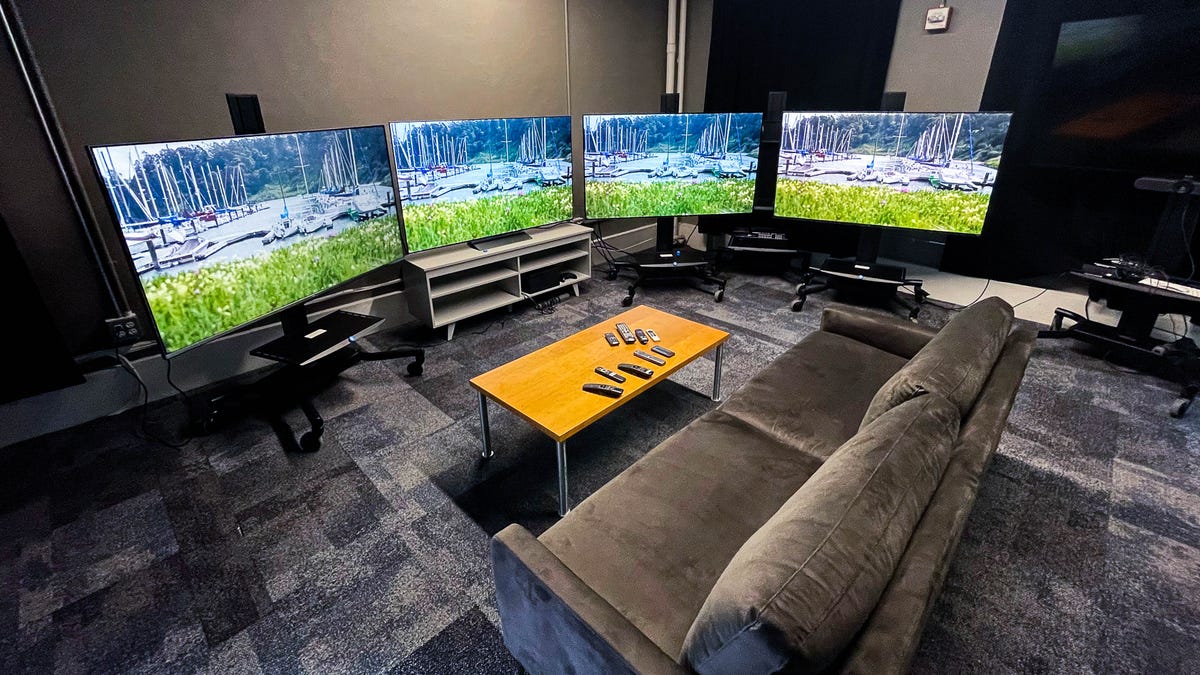
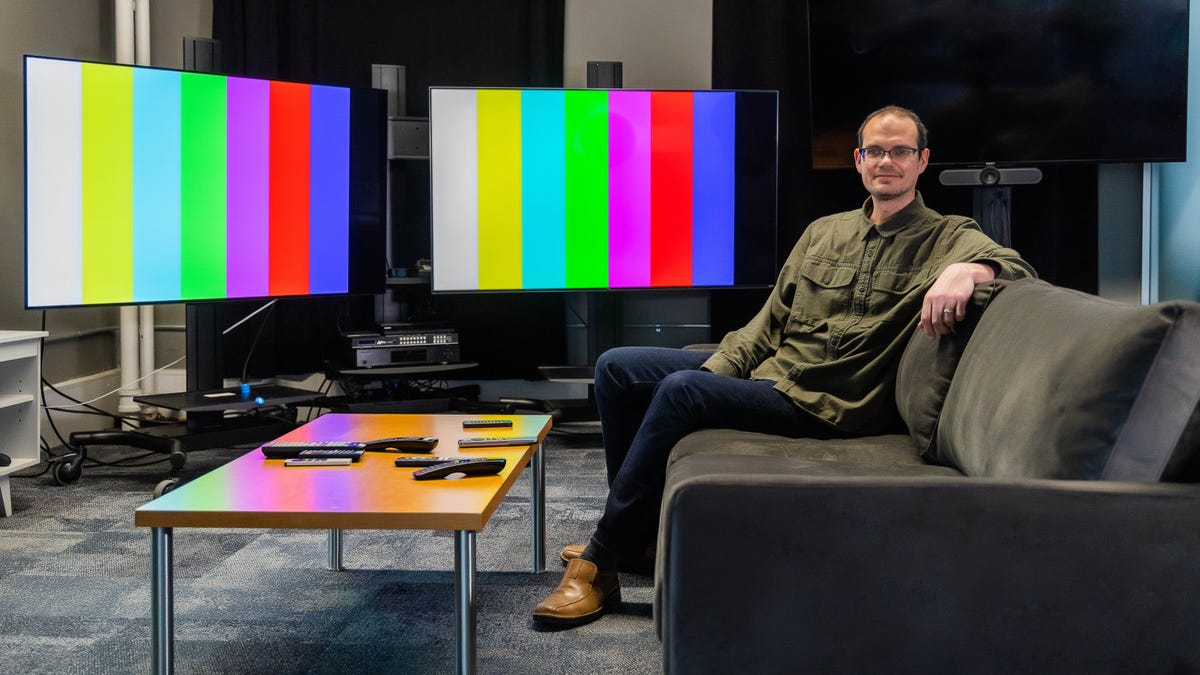
Every CNET TV review is conducted as a side-by-side comparison with other TVs.
What TVs have the best picture quality?
We consider the best picture quality for the money a sort of holy grail in the quest for a new TV. It's still consistently the No. 1 thing TV shoppers cite as important to their buying decision.
If you don't place as high a priority on PQ, you'll get the best value by simply sorting a list of TVs by price along with the screen size you want, choosing the cheapest from a brand you trust and calling it a day. Or at least skip to the next section of this guide.
After nearly 20 years reviewing TVs, we feel comfortable conveying some generalizations we've observed about picture quality:
- OLED TVs have the best picture quality available, but they're still quite expensive.
- QD-OLED brings quantum dot technology to the OLED display. This should result in deep blacks and higher brightness, with better color in bright areas. We haven't been able to review them in person yet, but the first Sony and Samsung TVs featuring a new OLED panel by Samsung Display are going to be expensive, and we probably won't recommend most people buy them over more affordable OLEDs like the C2.
- Nearly every TV, including Samsung's QLED, uses LED LCD technology, which (despite the "LED" similarity) is very different from OLED.
- LED LCD TVs with local dimming often outperform those without. LCD also has other tech, like quantum dots and mini-LED, that help improve its image quality.
- The ability to produce a deep shade of black -- which translates into high contrast -- is the most important ingredient in a good picture.
- For HDR, image brightness and local dimming are essential for the best performance.
- Color saturation, which is directly influenced by contrast/black level, is second most important, followed by color accuracy.
- In a bright room, matte screens are the best overall at reducing reflections. The best glossy screens preserve black levels well.
- Less important factors include color gamut, video processing and display resolution.
- Many people don't realize they're watching the soap opera effect and might like their TV's picture quality better if they turned it off.
- Poor picture settings on a good TV will usually look worse than calibrated picture settings on a crappy TV.
In sum, picture quality is more complex than just counting pixels or reading a spec sheet, and your best bet is to read reviews, such as those at CNET. Hopefully you can also get the chance to see a good TV in person along with someone who can explain why it's good.
Read more: How We Test TVs at CNET
Considerations beyond size, price and picture quality
Those are the "big three" of TV buying, but a few other things are worth knowing about.
8K is here, but don't worry about it
A TV with 8K resolution has twice the horizontal and vertical resolution of 4K, for a whopping 7,680x4,320 and 33,177,600 total pixels. Not only is that four times the total pixel count of 4K, that's an incredible 16 times more pixels than 1080p.
A few TVs with 8K resolution are available today, but we don't recommend them. They're expensive and there's nothing in 8K to watch today. Moreover, from what we've seen they don't provide much, if any, picture quality improvement compared to 4K TVs.
In the future 8K TVs will surely get cheaper and more mainstream, but it will be years before they're worth considering for all but the richest TV buyers.
Read more: What You Need to Know About 8K TV
Voice control, including Google Assistant and Amazon Alexa
Another big trend in gadgets, including TVs, is the ability to be controlled by voice commands. Many TV remotes have built-in mics and "push to talk" functionality, for example to search for TV shows and movies, and many work with one or both of the two major voice assistants, Google Assistant and Amazon Alexa. A handful of newer TVs even have built-in mics that allow them to respond to a "Hey, Google" or "Alexa" wake word, much like a Google Nest or Echo speaker. And numerous models work with existing Alexa or Google speakers too.
Voice control makes some tasks easier than hitting buttons on a remote. You can not only search for TV shows and movies, but order pizza, play trivia games and music, and control lights and other smart home devices. Other activities, however, are still easier using the remote.
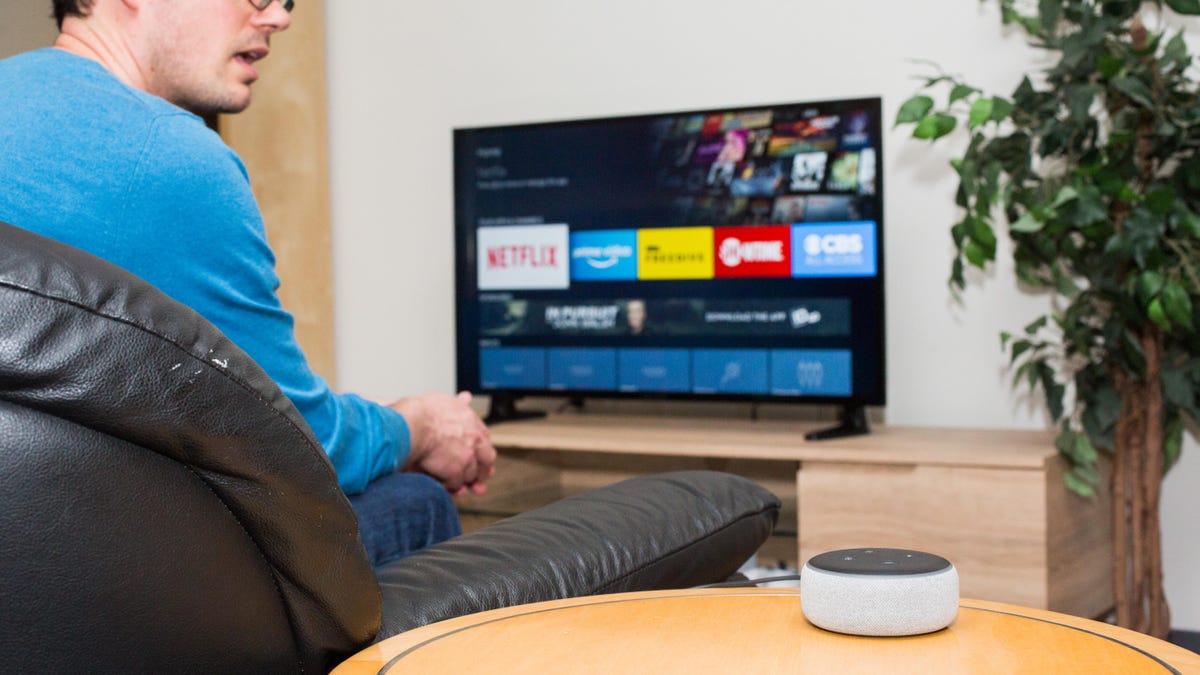
Many TVs can be controlled hands-free with Google Home and Alexa speakers.
HDMI connections
TV connectivity has gotten less complex as important inputs have dwindled to one kind: HDMI. Just count the number of devices you'll want to connect, and make sure your TV has at least that many HDMI ports (or one or two extra if you'll be expanding).
USB inputs are nice for displaying photos, but hardly necessary. You only need to worry about the analog ports if you have an older device to connect; the Nintendo Wii is the classic HDMI-free offender. And of course you'll need an antenna input (standard on nearly every TV) if you're cutting the cord and want free over-the-air TV.
Nearly every new 4K TV has enough robust HDMI connections (version 2, 2.0a or 2.0b, with HDCP copy protection) to work with a range of the latest 4K and HDR gear. The latest HDMI 2.1 standard is available on many newer TVs, but for now it's mainly useful for gamers who have a PlayStation 5 or Xbox Series X and want to maximize their graphics capabilities. And yes, you should just buy the cheap HDMI cables.
Read more: Best HDMI Cables for Your New 4K and HDR TV
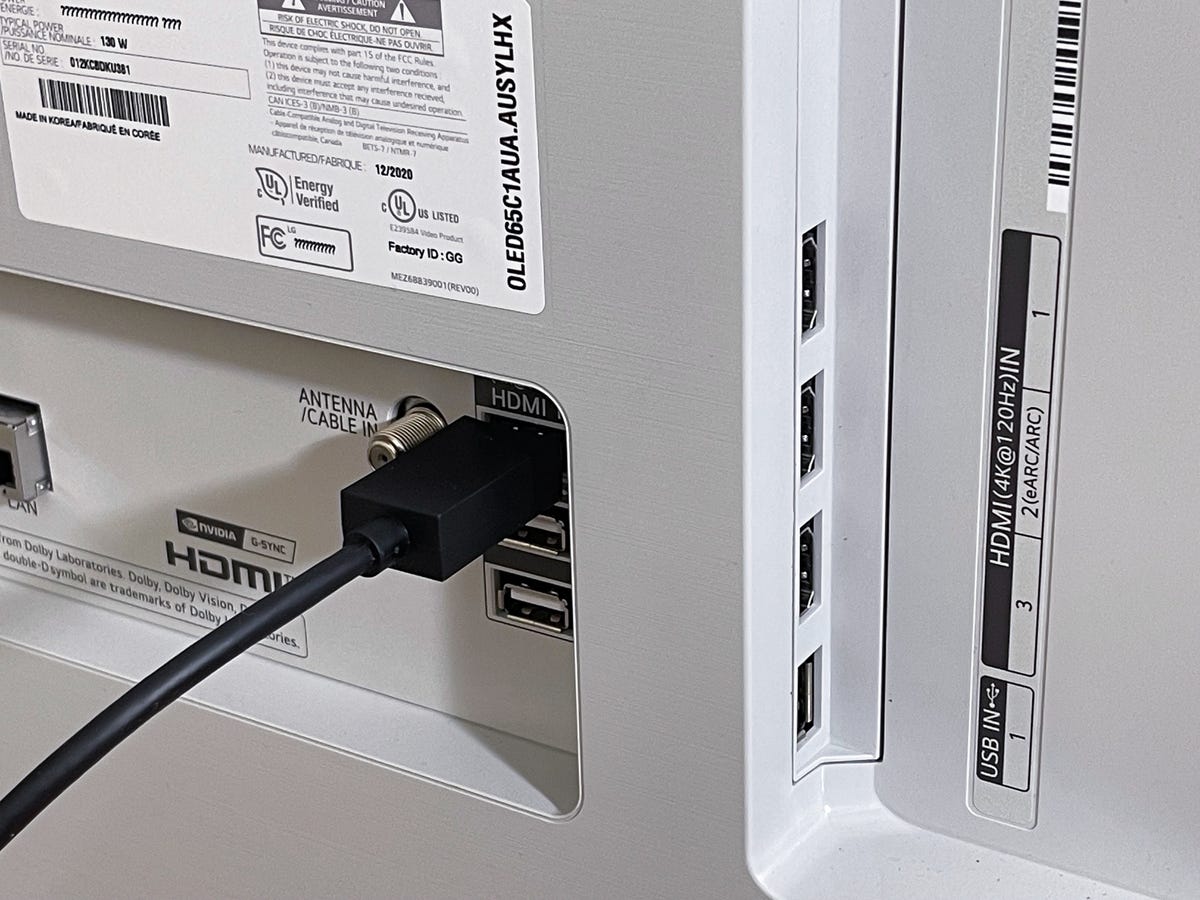
Newer TVs with HDMI 2.1 often have "4K/120Hz" or gaming labels near the applicable inputs.
Smart TV
Since you can connect an inexpensive Roku or Amazon Fire TV stick or box to make any TV "smart" -- in the sense that you get access to Netflix, Amazon Prime Video, YouTube and the rest -- the "apps" on TVs are often redundant. Even so, your next TV will likely have smart apps whether you use them or not.
One advantage of built-in apps is that they're likely 4K and HDR if your TV supports those formats, whereas the cheapest external streamers are not. On the other hand, you can get a great 4K HDR streamer for less than $50, and often the experience will be much better than on the TV.
Read more: Best Streaming Device
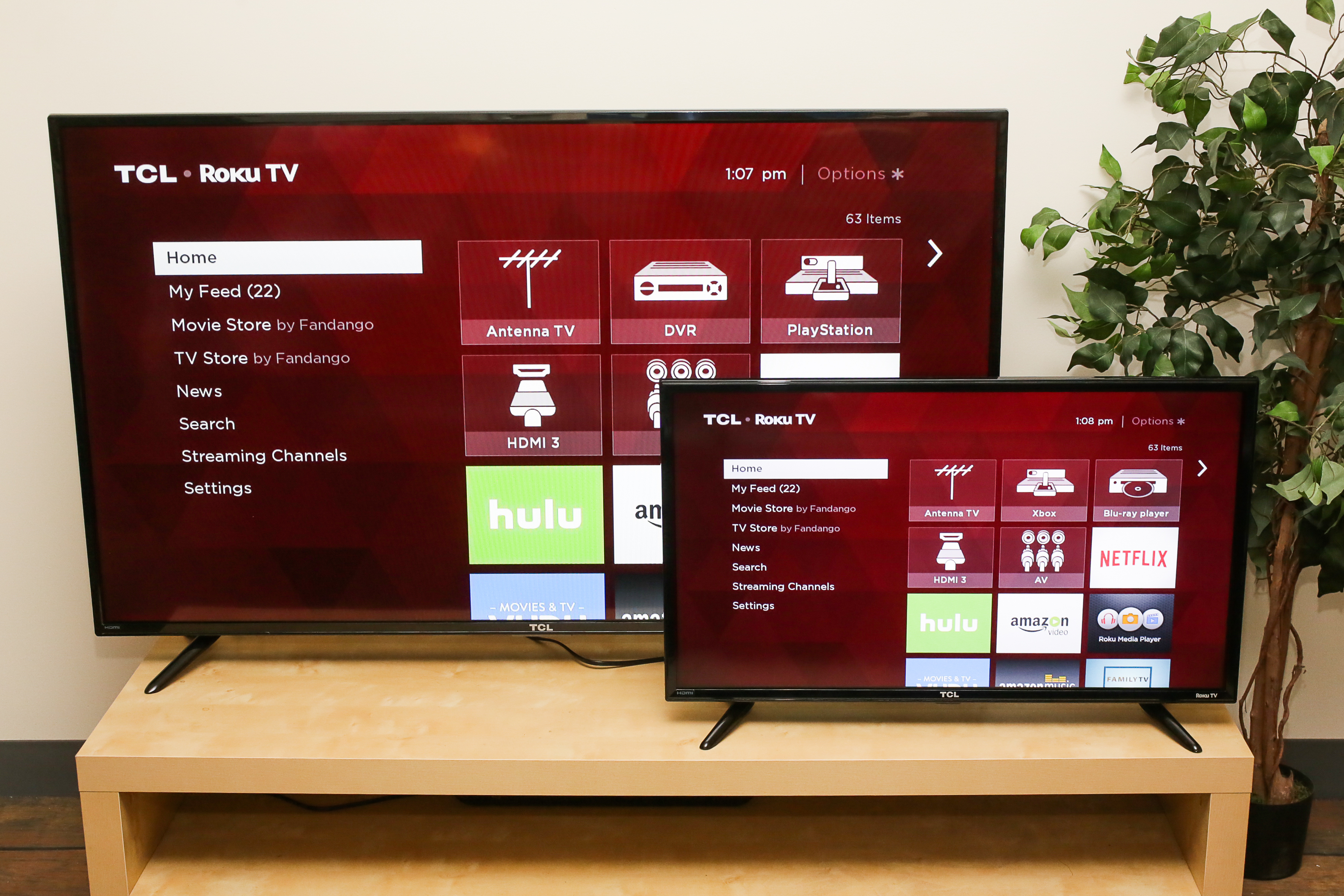
Roku TVs are cord-cutter-friendly, with scads of streaming apps and great antenna support.
TV antenna tuner
If you're planning on cutting the cable TV cord, or you have already, you might want to make sure the TV you get has a built-in over-the-air tuner. It will allow you to watch free local TV broadcasts, usually in higher quality than cable, satellite or streaming.
Some new TVs like Roku TVs and Amazon Fire TV Edition sets are particularly tuner-friendly, with full grid-style program guides for antenna TV shows.
Read more: Best TV Antenna
Remote controls
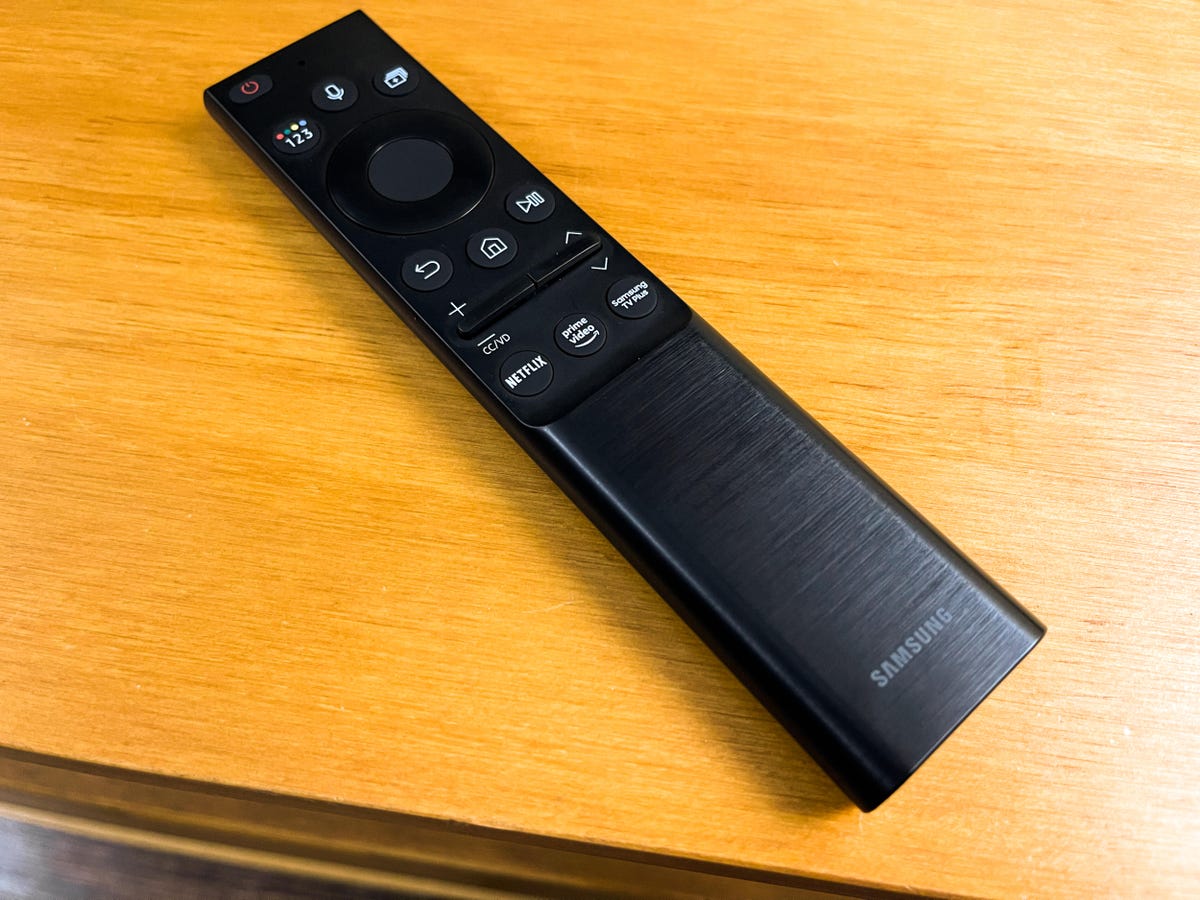
We prefer simple TV remotes without a lot of buttons.
If you aren't planning to use a universal model or the remote that came with your cable box, pay attention to the TV's included clicker. It's nice when it can command other gear directly so you can ditch those extra remotes. We prefer smaller, simple remotes with just a few buttons that consign most of the action to the screen.
Read more: Best Universal Remote
High-end styling, hidden wiring
Since TVs are basically furniture, manufacturers have concentrated on making their sets look nicer. Many TVs today look like almost all picture from the front, and when seen from the side or hung on a wall, the thin cabinets almost disappear. Other innovations include channels to hide wiring and, in the case of high-end Samsung TVs, a separate input box to further reduce clutter.
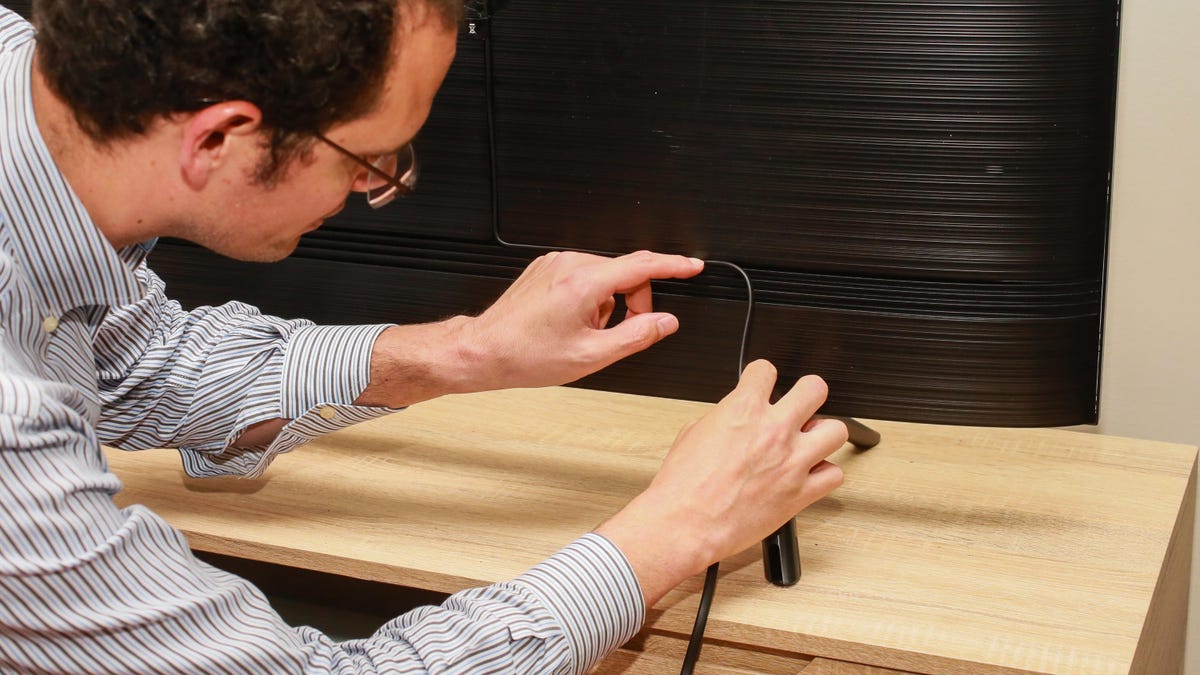
Some TVs have channels behind the TV for hiding wires.
Frequently asked questions
What's the best TV brand?
We don't have a favorite brand; instead we try to judge the TVs I test on their individual merits, largely ignoring brand cachet or reputation. We don't test TVs over the long term, but from what we know all of the major brands are more or less equally reliable. Some brands do perform more consistently better than others in my tests, or deliver remotes, smart TV systems or designs we prefer over competitors, but these can change on a fairly regular basis.
Another way to answer that question is to check out our current list of best TVs.
What's the best TV for gaming? What about sports?
Trick question! We believe the best TVs for watching pretty much anything are the TVs with the best black level, color and other standard performance characteristics (not to mention the biggest screen). Motion resolution isn't a major concern since most blurring on TV sporting events is inherent in the source, and input lag, which we measure for every TV review, can often be improved by specialized gaming modes common on most TVs.
The exception, as mentioned above, is for gamers with next-generation consoles like PS5 and Xbox Series X who want features like 4K/120Hz and variable refresh rate. Those are only found on newer, more expensive TVs.
Read more: Best Gaming TVs

Input lag is measured for every TV we review.
What about all those picture settings? Should I pay for a calibration?
Properly adjusting the picture is very important to getting the most out of your TV. That said, simply selecting the "Movie," "Cinema" or "Calibrated" preset will get you the most accurate picture on most TVs. If you want to go deeper, or perhaps bring in a professional to help, check out our picture settings tips and professional calibration explainer.
What accessories should I buy?
Let me reiterate: All HDMI cables are the same. If you want better audio, we recommend starting with a soundbar or investing in a home theater system. And if the built-in smart TV system on your set isn't up to par, check out a streaming device.
How long will my new TV last?
The short answer is "it should last a very long time." Here's the longer version.
Can I use my TV as a computer monitor?
Yes you can, and it should work very well, whether you use HDMI or go wireless.
How come you never mention rear-projection or plasma TV?
Because rear-projection TVs are no longer on sale as of 2012, and the last plasma TVs were manufactured in 2014. They're sadly missed.
OK, what about projectors?
Unlike dinosaur rear projectors, we think front projectors are really cool. Here's our favorite home theater projectors and portable projectors.
What happened to 3D TV?
Once a futuristic add-on filled with promise -- remember the original Avatar? -- 3D TV is now basically dead. The last two major brands to support 3D, Sony and LG, dropped support entirely in 2017, joining Samsung, Vizio and most other brands. All of the TV makers we asked cited lack of interest from consumers.
Which HDR format is better, HDR10 or Dolby Vision? What about HLG and HDR10 Plus?
Neither one has proven better in our tests yet, and it mostly depends on the TV. For more info, check out our guide to HDR formats and an in-depth look at HDR10 Plus.